

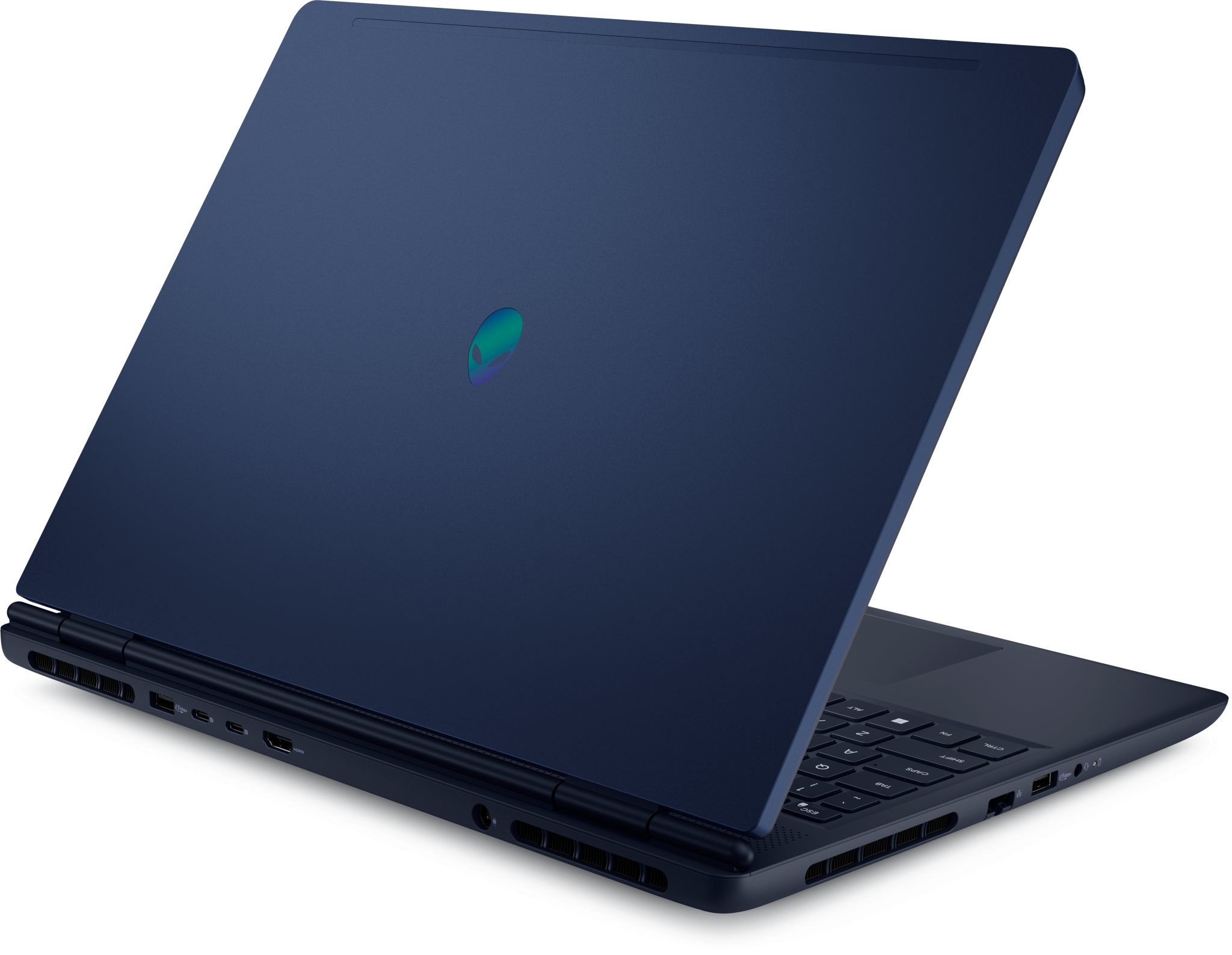

In the crowded world of gaming laptops, the Alienware 16 Aurora with the Intel Core i7-240H processor emerges as a compelling blend of power, portability, and design. Whether you’re a gamer, content creator or power user, this laptop offers solid specs and features. In this article, we’ll explore its design, performance, display, cooling, connectivity, pros & cons — and whether it truly delivers value.
Key Specifications.
Here are the standout hardware specs of the Alienware 16 Aurora (model AC16250 in many markets):
Component Specification Processor (CPU) Intel Core 7 (“Series 2”) 240H — 10 cores (6 performance + 4 efficient), base clock ~1.80 GHz, boost up to ~5.20 GHz. Depending on the configuration, the graphics (GPU) options include the NVIDIA GeForce RTX 3050 (6 GB), RTX 5050 (8 GB GDDR6), and up to the RTX 5060 (8 GB GDDR6). Memory (RAM) 16 GB DDR5, usually 2×8 GB, running at 5600 MT/s (some variation if a certain CPU is used).
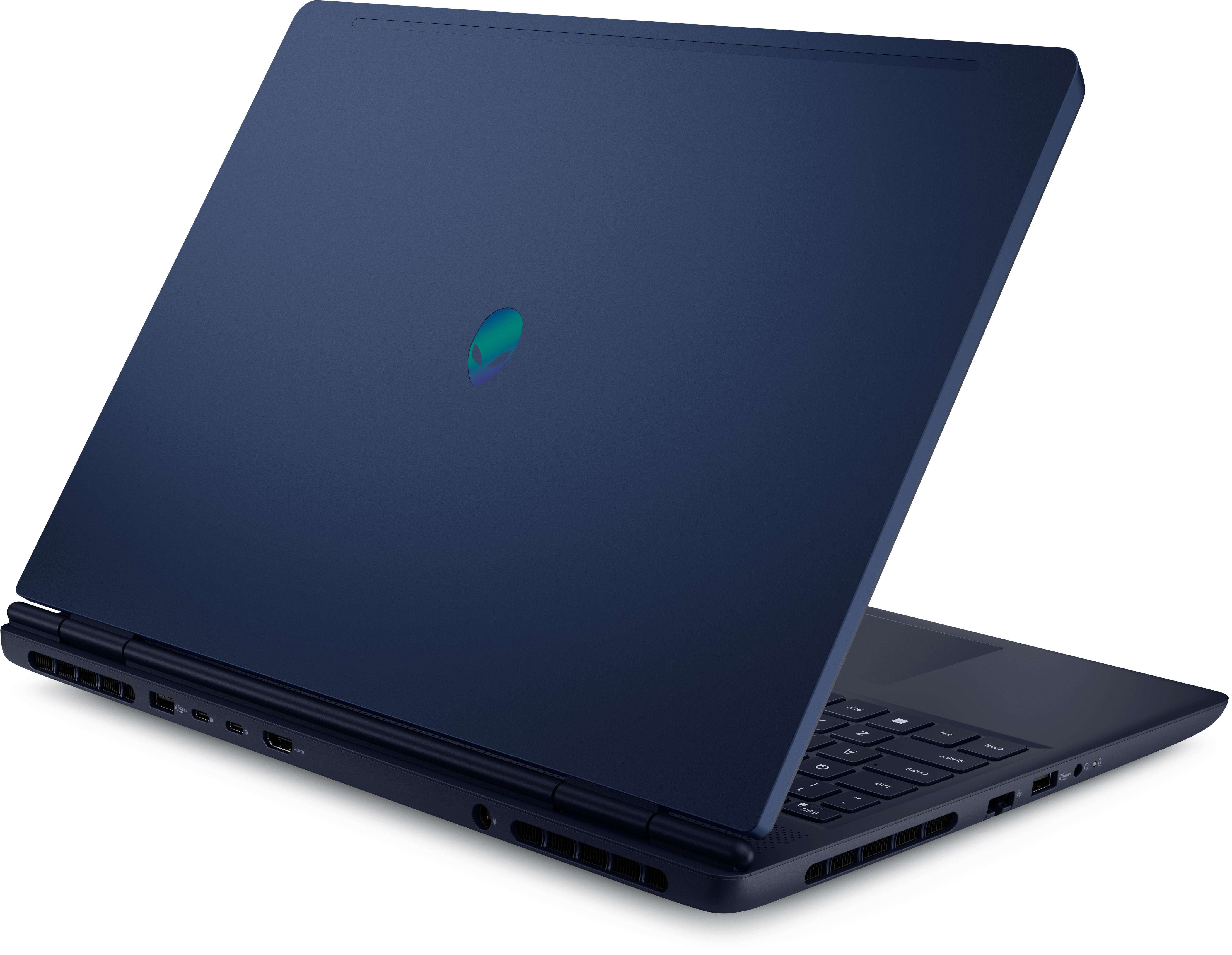
Upgradable in many variants. Storage 1 TB NVMe PCIe SSD, with slots for upgrades in many configurations. Display: 16-inch WQXGA (2560 x 1600) IPS/WVA, 120 Hz refresh rate, 300 nits of brightness, 100% sRGB, and Dell’s ComfortView Plus for comfortable viewing. Dimensions and weight: Height (peak): 22.70 mm; front: 18.60 mm, depth of 265.43 mm and a width of 356.98 mm. Weight ranges 2.49–2.57 kg, depending on GPU and other options.
Performance
The Alienware 16 Aurora has strong multitasking and gaming performance thanks to its Intel Core 7 240H CPU. The 10-core setup (6 performance + 4 efficient cores) handles gaming, streaming, and creative work with relative ease. For example, the Aurora’s CPU performs well in benchmarks for its class for multi-core performance. The laptop handles modern AAA games smoothly when paired with a GPU like the RTX 5060, particularly at 1080p settings. The RTX 5050 / 3050 versions are more modest: good for esports, lighter or older titles. The fast SSD, adequate RAM, and capable GPU make the machine usable for creative tasks like video editing, 3D rendering, sketches, and content creation. However, higher-end competitors may offer brighter panels or higher refresh rates for colour work. One caveat: thermals under heavy load can get warm. The Cryo-Chamber cooling helps, but pushing all cores and the GPU hard for prolonged gaming sessions will test its cooling limits.
Let's Enjoy Display & Visuals!
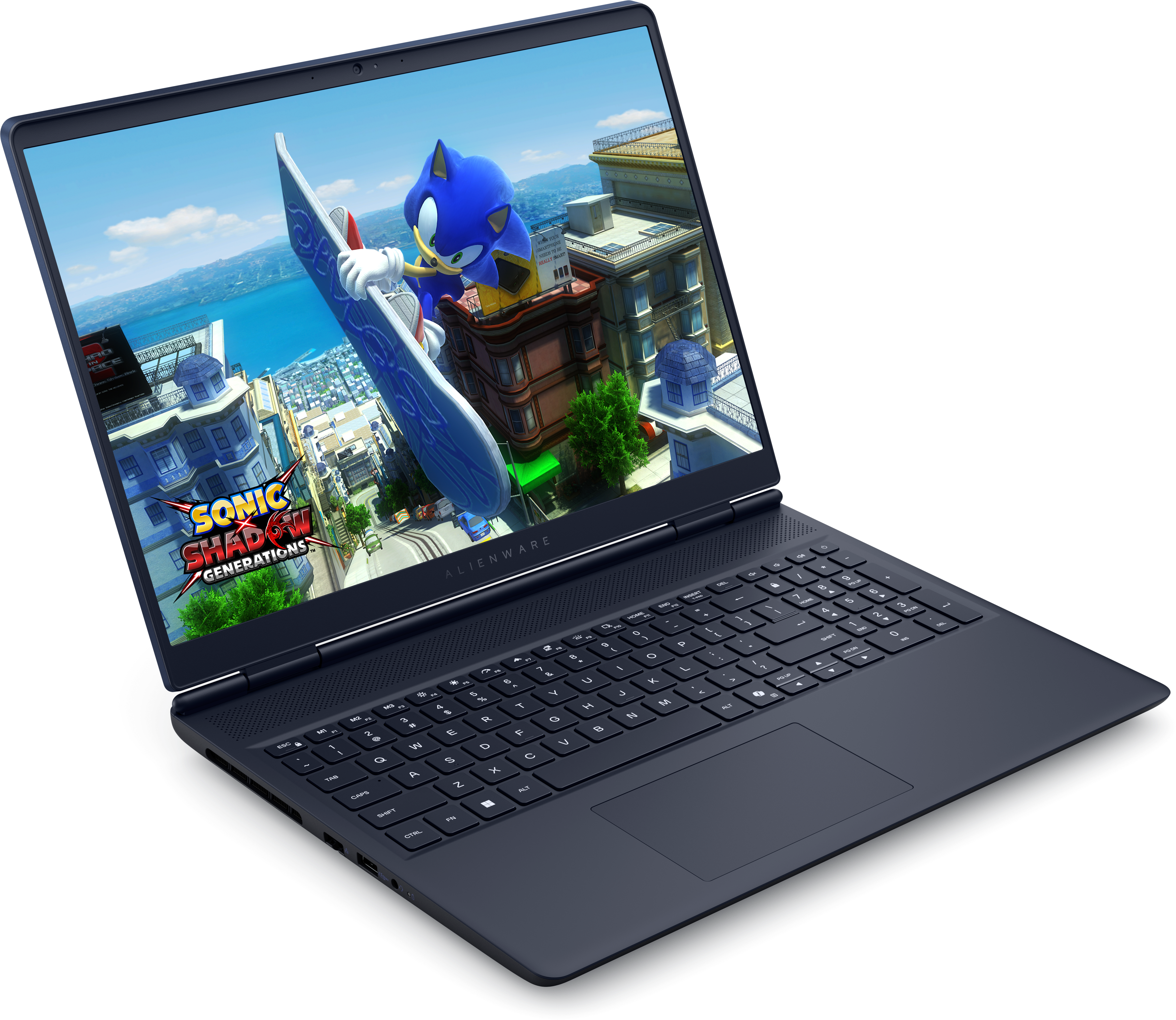
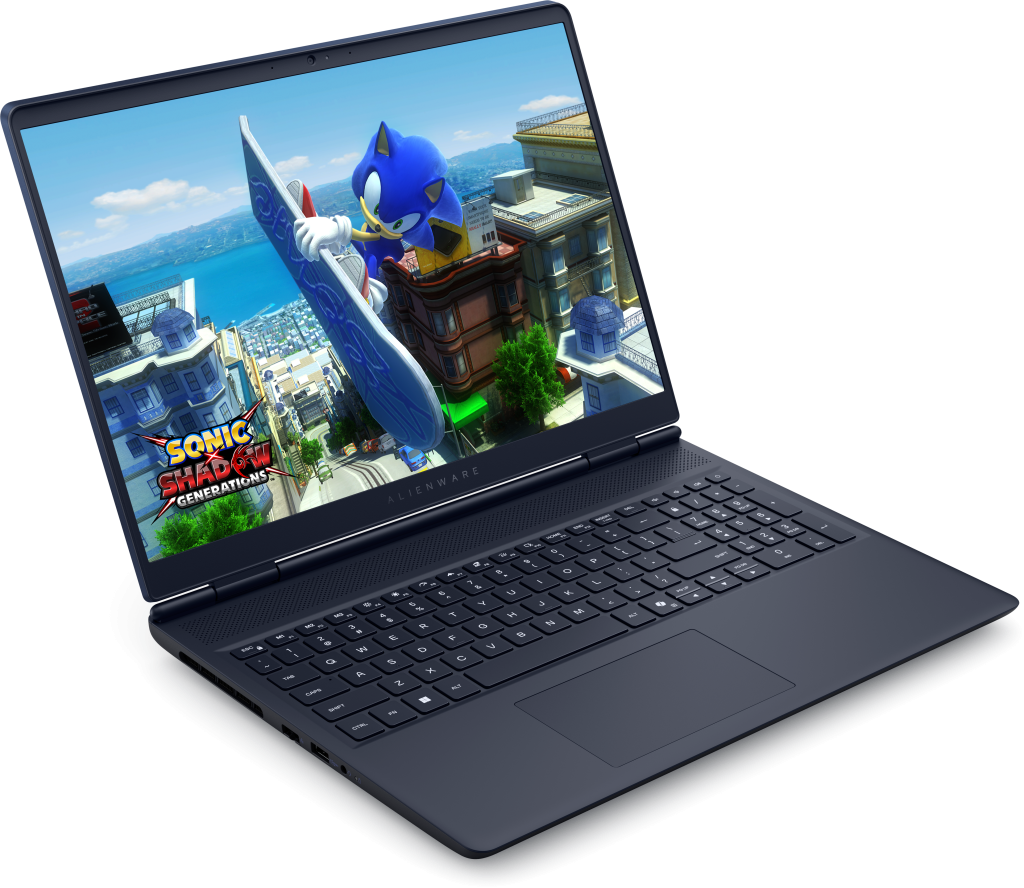
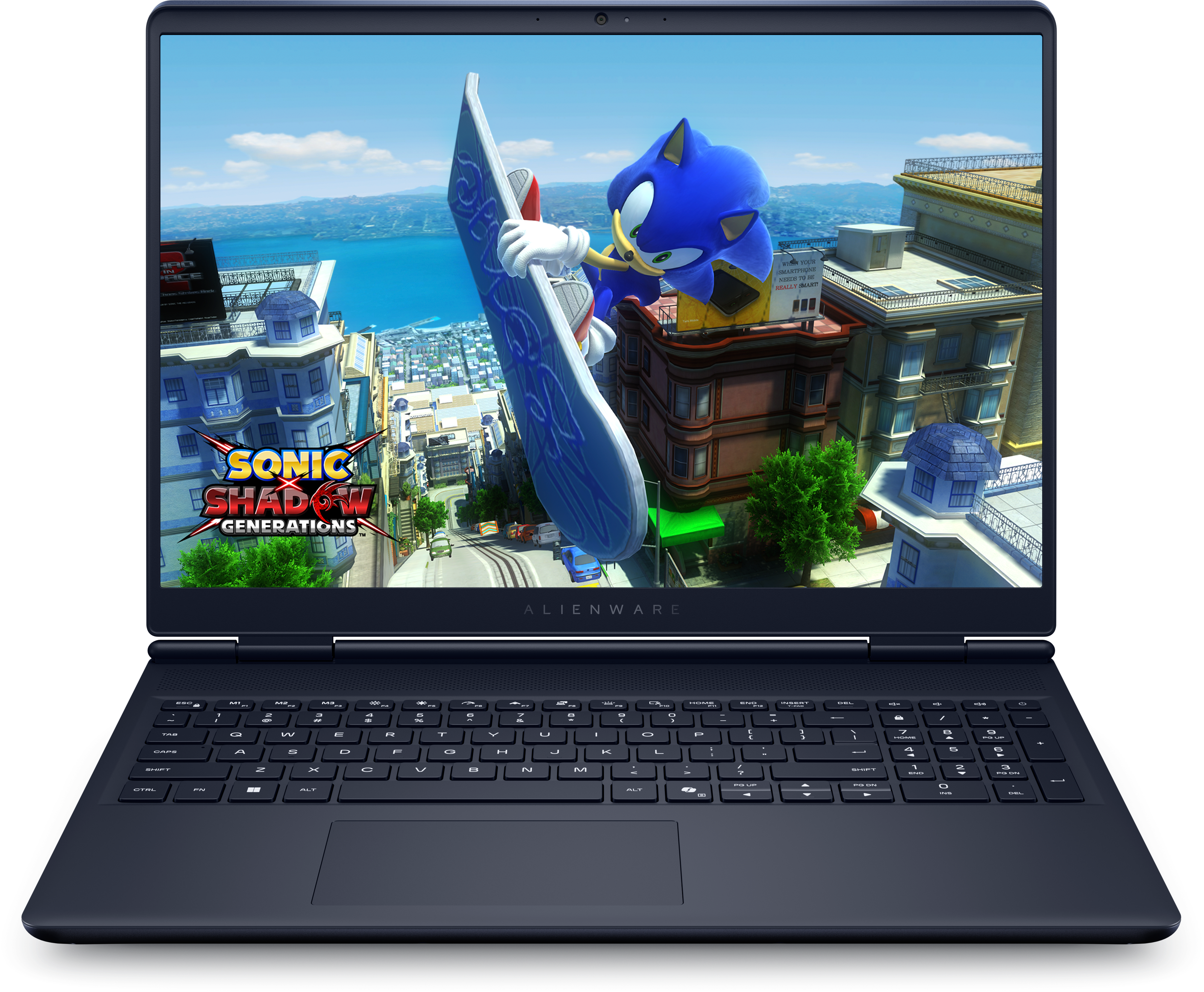
The increased vertical space provided by the resolution and aspect ratio of 2560 x 1600 (16:10) is beneficial to productivity. Refresh Rate: 120 Hz is standard here, which provides smoother motion than 60 Hz, though some competing models offer 144 Hz+ or 240 Hz, especially in the “16X” line. • Brightness & Colour: ~300 nits and good sRGB coverage; not top-tier HDR or OLED brightness, but acceptable for indoor gaming and content work. Although in dark scenes, the blacks aren’t as deep as those of OLEDs, colour fidelity is generally praised. If visual fidelity, extreme refresh rates, or HDR/OLED are your priority, you might find better options, but this display strikes a reasonable balance.
Design, Build & Cooling
The increased vertical space offered by the resolution and aspect ratio of 2560 x 1600 (16:10) enhances productivity. Refresh Rate: 120 Hz is standard here, providing smoother motion than 60 Hz, although some competing models offer 144 Hz+ or 240 Hz, especially in the “16X” line. • Brightness & Colour: approximately 300 nits and good sRGB coverage; while not top-tier HDR or OLED brightness, they are acceptable for indoor gaming and content work. In dark scenes, blacks aren’t as deep as those of OLEDs, but colour fidelity is generally praised. If your priority is visual fidelity, extreme refresh rates, or HDR/OLED, you might find better options, but this display offers a reasonable balance.channel airflow efficiently to core components. It performs well under normal and moderate load gaming conditions. Under prolonged heavy loads, fan noise and heat can rise significantly.
Connectivity & Other Features
- Ports: USB-A, USB-C (with some supporting DisplayPort or Power Delivery), HDMI 2.1 output, Ethernet (1 GbE), standard audio jack. Good variety for gaming gear and peripherals. (Dell)
- Wireless: Wi-Fi 7 (MT7925), which promises future-proofing for faster wireless connections. Bluetooth support is also included. (Dell)
- Keyboard & Input: White backlit keyboard (non-RGB in many models), decent touchpad; suitable for gaming and typing. Webcam is 720p. (Dell)
Strengths & Weaknesses.
Strengths
Weaknesses
Excellent CPU + modern GPU options in reasonably priced tiers. |
Clean, premium design; manageable weight for a gaming laptop. |
Good port selection, modern wireless, and upgradable RAM/Storage in many models. |
Strong for mixed usage: gaming + productivity, like streaming / content creation. |
Screen brightness (~300 nits) is modest; not ideal for bright outdoor or HDR content. |
Display refresh rate is only 120 Hz in the base model; competitors may offer faster panels. |
Under load, thermals and fan noise can get loud; the GPU often runs somewhat under max power in some configurations. |
Battery life is modest (as is often the case in gaming laptops), especially when gaming. |
Who Should Buy the Alienware 16 Aurora with Intel Core i7-240H?
This laptop is a suitable pick for: • Gamers who want good performance without spending top-tier money for ultra-high refresh rate panels or the latest OLED screens. • Content creators or students who need a machine for multitasking, video editing, 3D work, coding, etc. • Users who are content to carry less than 2.5 kilograms and appreciate the design and build quality of the Alienware. • Individuals who place a premium on cutting-edge features like Wi-Fi 7, numerous port choices, and quick SSDsHowever, if you are a hardcore competitive gamer who wants ultra-high refresh rates (240Hz+), or someone who works heavily outdoors / needs top brightness / HDR / OLED, then you may want to compare with higher-tier or premium models (including Alienware’s 16X line or other brands).
Conclusion
The Alienware 16 Aurora with the Intel Core i7-240H achieves an excellent balance between design, modern features, and performance. It’s not perfect — display brightness and refresh rate in base models don’t compete with premium gaming laptops — but for many users, it’s more than enough. If you’re looking for a gaming laptop that handles both play and work well, with solid spec headroom and a distinctive, build-quality design, this laptop is worthy of consideration. If you’d like, I can also compare the Alienware 16 Aurora to competing laptops in the same price range (in India or around the world). Is that what you want?